
A redesigned 3D workspace
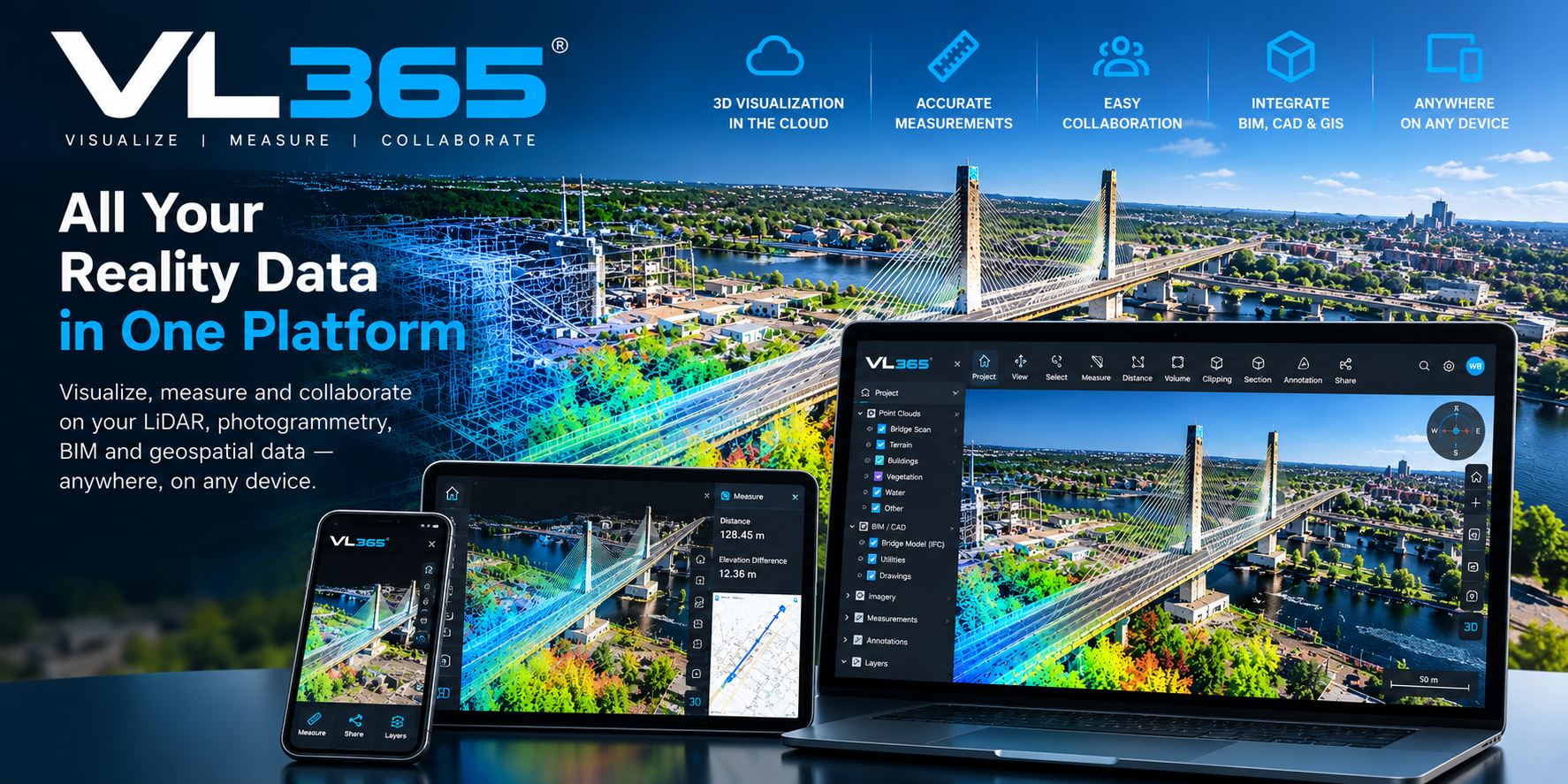
Panel-based side navigation, unified tools and settings saved per user, project or globally. Guided tour, customizable shortcuts and function search with Ctrl+K.
Share and collaborate on point clouds from any browser.
Cloud-native point cloud platform for teams and clients. Stream, measure and annotate scans without heavy hardware.
VL365 · R1-2027 · v.37.0
A redesigned workspace, enhanced IFC models and new ways to create, explore and share your 3D projects.
01 / 09
Panel-based side navigation, unified tools and settings saved per user, project or globally. Guided tour, customizable shortcuts and function search with Ctrl+K.
Presentation reference: R3-2025 → R1-2027 (v.37.0). The current column summarizes documented capabilities; the 2027 column details announced enhancements. An unspecified feature does not mean it is unavailable.
| Feature | Current versions | Version 2027R1-2027 · v.37.0 |
|---|---|---|
| A redesigned 3D workspace | Current versionsBrowser-based management and exploration of point clouds, 360° imagery and 3D models. | Version 2027Panel-based side navigation, unified tools and settings saved per user, project or globally. Guided tour, customizable shortcuts and function search with Ctrl+K. |
| Integrated spherical imagery | Current versionsPanoramic imagery and immersive navigation in the 3D environment. | Version 2027Synchronized navigation between 3D scenes and 360° images, filters and multi-selection. Compare acquisitions over time, add images to existing projects and export ZIP files with their trajectories. |
| IFC models: search and clash detection | Current versionsDigital models combined with point clouds and imagery. Detailed IFC functions are unspecified. | Version 2027Manage multiple models, filter attributes and browse results. Add document links, overlay models on 360° imagery and compare models with point clouds using a tolerance and exportable results. |
| Multiple projects, floors and dynamic maps | Current versionsProject organization, 3D exploration and 2D mapping. | Version 2027Combine LiDAR projects in one scene, control visibility and filter data by floor with a reference plan. The map follows the camera and browser caching speeds up return visits. |
| Project creation and exports | Current versionsProject management and CAD/GIS export. Detailed formats are unspecified. | Version 2027Combine E57, LAZ and RCS with progress tracking. Filter projects by survey date, export clipped areas and selected classes as LAZ, or download complete projects as LAZ or ReCap. |
| GIS and CAD interoperability | Current versions2D mapping, vectorization and export to CAD and GIS. | Version 2027Import and export DWG and GeoPackage vectors. Connect ArcGIS, WMS/WFS and OGC API Features services; publish orthophotos via WMTS/OGC API Tiles and stream vectors to ArcGIS Pro, Civil 3D and QGIS. |
| Permissions and administration | Current versionsSecure web access, roles and access rights; SaaS or on-premise deployment. | Version 2027Assign folder roles inherited by projects, manage multiple users or groups at once and export access reports. Review changes before saving and connect an OIDC identity provider. |
| Gaussian Splatting projects | Current versions3D model display; Gaussian Splatting support is unspecified. | Version 2027Import PLY or SPZ splats alongside LiDAR projects. Navigate, measure, clip and annotate, then combine LiDAR and Gaussian Splatting in a shared coordinate space. |
| Refined 3D tools | Current versionsMeasurement, annotation, clipping, profiles, cross-sections and vectorization in the 3D environment. | Version 2027Classification and segmentation affect visible points only. Unified classes and groups panel, point-snap and surface-disc cursor modes, quick attribute switching and support for glTF and large OBJ models. |
Sources: VL / VL365 new features presentation, slides 3–12, and published VL365 features.
VL365 lets you manage, share, explore and exploit your point clouds, 360° imagery and 3D models in a secure, collaborative web environment.
Bring together terrestrial, mobile and airborne point clouds, 360° imagery and 3D models on a single platform.
Give your teams, clients and partners secure web access to their projects on desktop, tablet or mobile.
Navigate an immersive 3D environment combining point clouds, panoramic imagery, 2D mapping and digital models.
Measure, annotate, clip, create profiles and cross-sections, then vectorize directly in your 3D environment.
Share one common, up-to-date visual reference to document assets, validate existing conditions and act faster.
No install, no plugins, open scans on any device.
Deploy in Geo-Plus cloud or inside your own infrastructure.
Comment, measure, and share views with clients and stakeholders.
Embed scans in project portals or internal tools.
Cloud viewing and sharing essentials for small teams.
Collaboration and integrations for growing project teams.
Enterprise-scale hosting, API access and unlimited users.
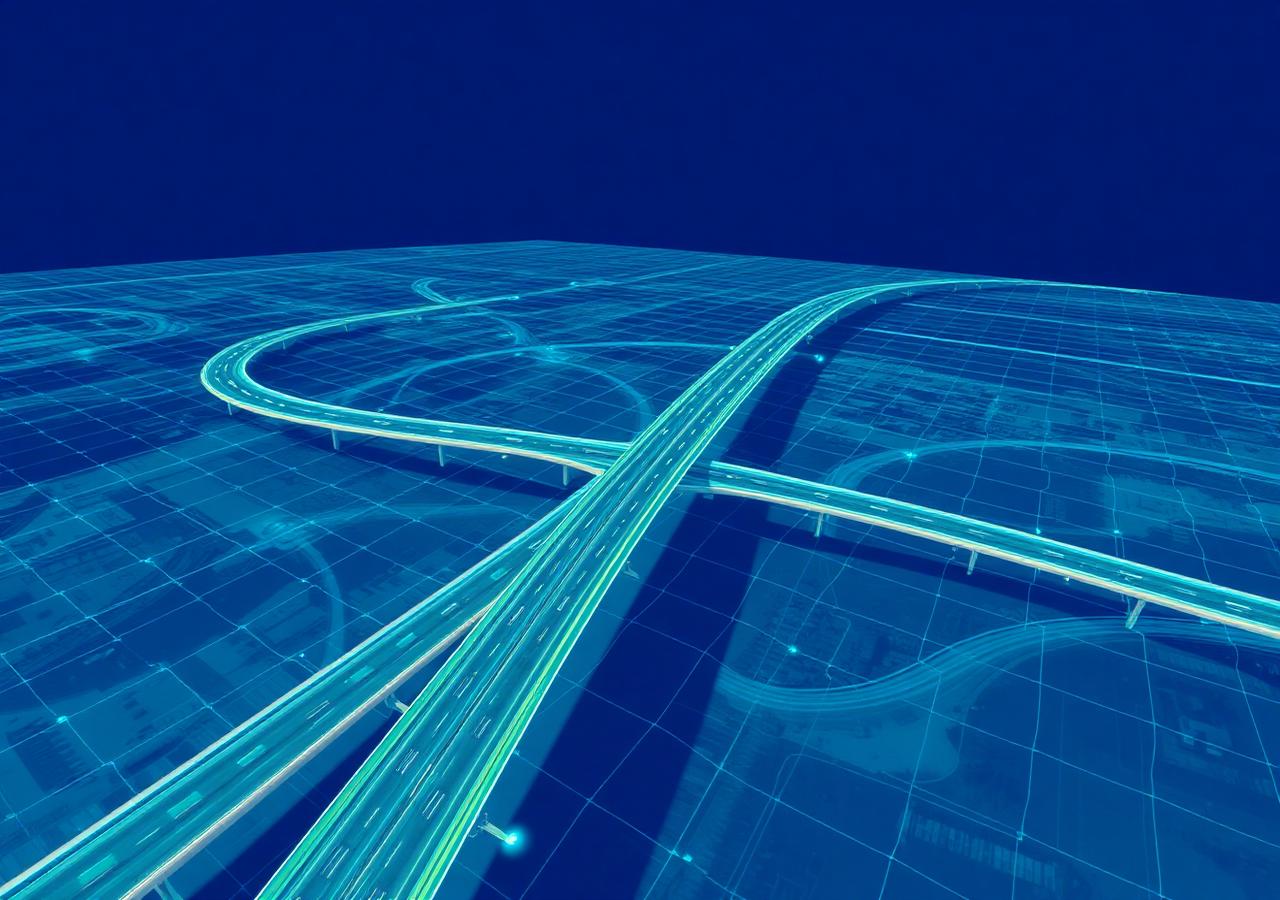
From 40 TB of structured scans to 10 TB of unified LAZ on VL365: same accuracy, same density, same immersive 360° views — no more per-scan-position billing and no format lock-in.
Read more customer stories →Tell us about your project, a senior specialist will get back within one business day.
Book a live demo tailored to your workflow.