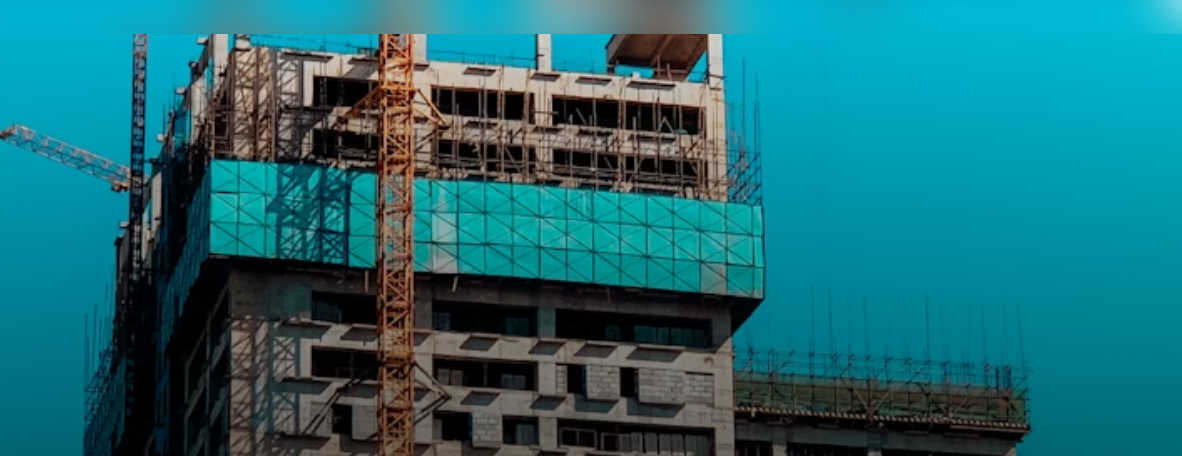
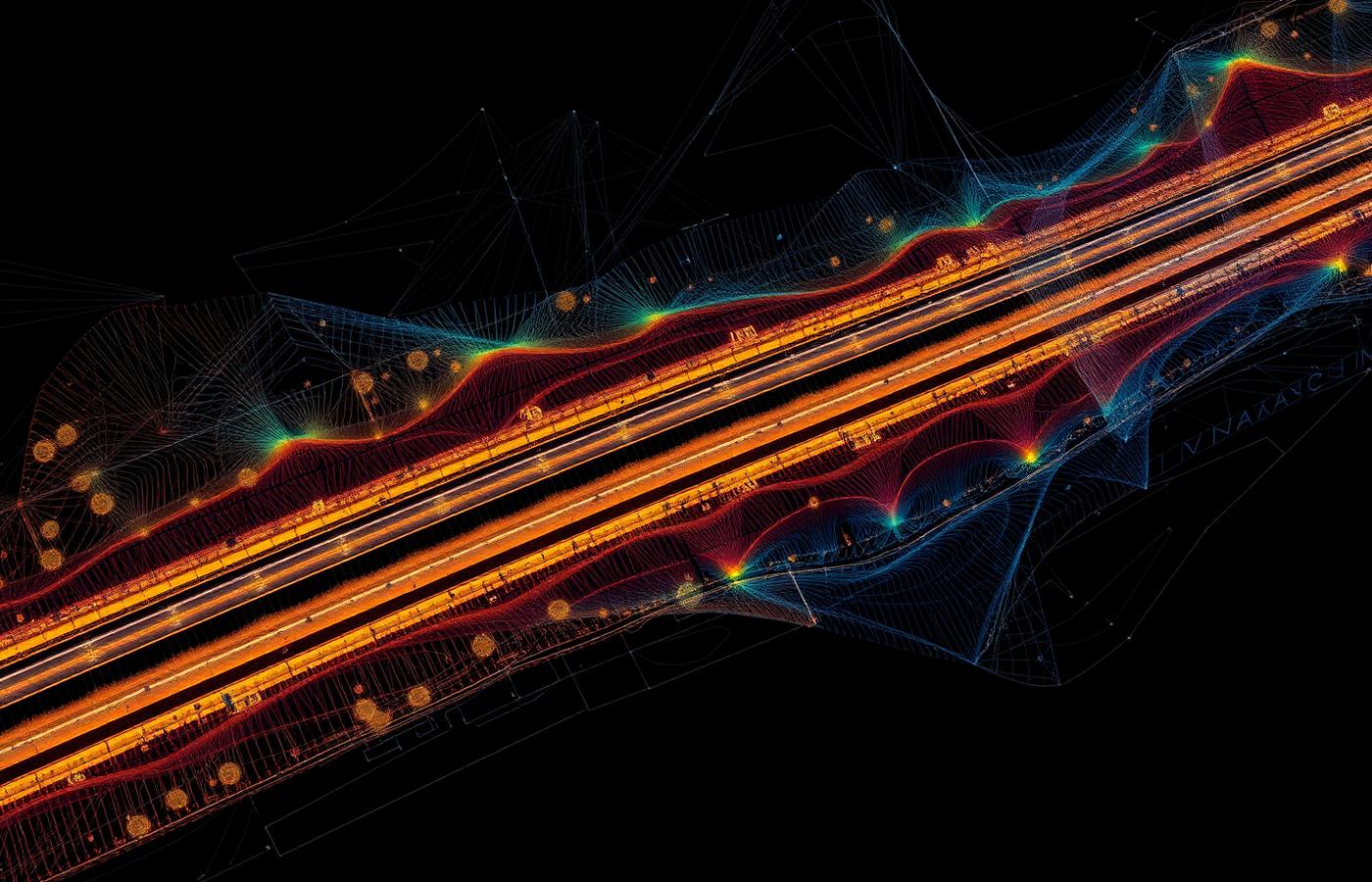
Scan-to-BIM turns a laser scan of an existing building into an intelligent BIM model. It is essential for renovation, heritage and MEP work, but modelling by hand from millions of points is slow. Here is a practical workflow with the Geo-Plus suite.
1. Capture and register. Scan the building with a terrestrial or mobile scanner. VisionLidar opens terrestrial and mobile data, including FARO projects and E57 files, and handles projects of several billion points.
2. Clean the point cloud. Classify and remove noise so the model starts from reliable data. Automatic classification in VisionLidar saves hours of manual cleaning.
3. Extract the building elements. VisionBim extracts walls, slabs and columns from raw scans in one pass, semi-automatically, instead of tracing each element by hand. MEP elements can be extracted too.
4. Export to Revit. VisionBim exports Revit-compatible IFC, so architects and engineers continue in the BIM tools they already use. AutoCAD is also supported.
5. Check as-built accuracy. Deviation reports compare the model against the scan and design intent, so you know where the building differs before you design on top of it.
6. Share the results. With VL365, point clouds can be shared in a web browser so the whole project team can view the existing conditions without installing software.
Who it is for: architects, MEP engineers, renovation and heritage teams. Request a VisionBim demo to try it on one of your scans.